Order Builder - Deal Product Selection & Ordering
Selecting a Deal to Order
Deals
-
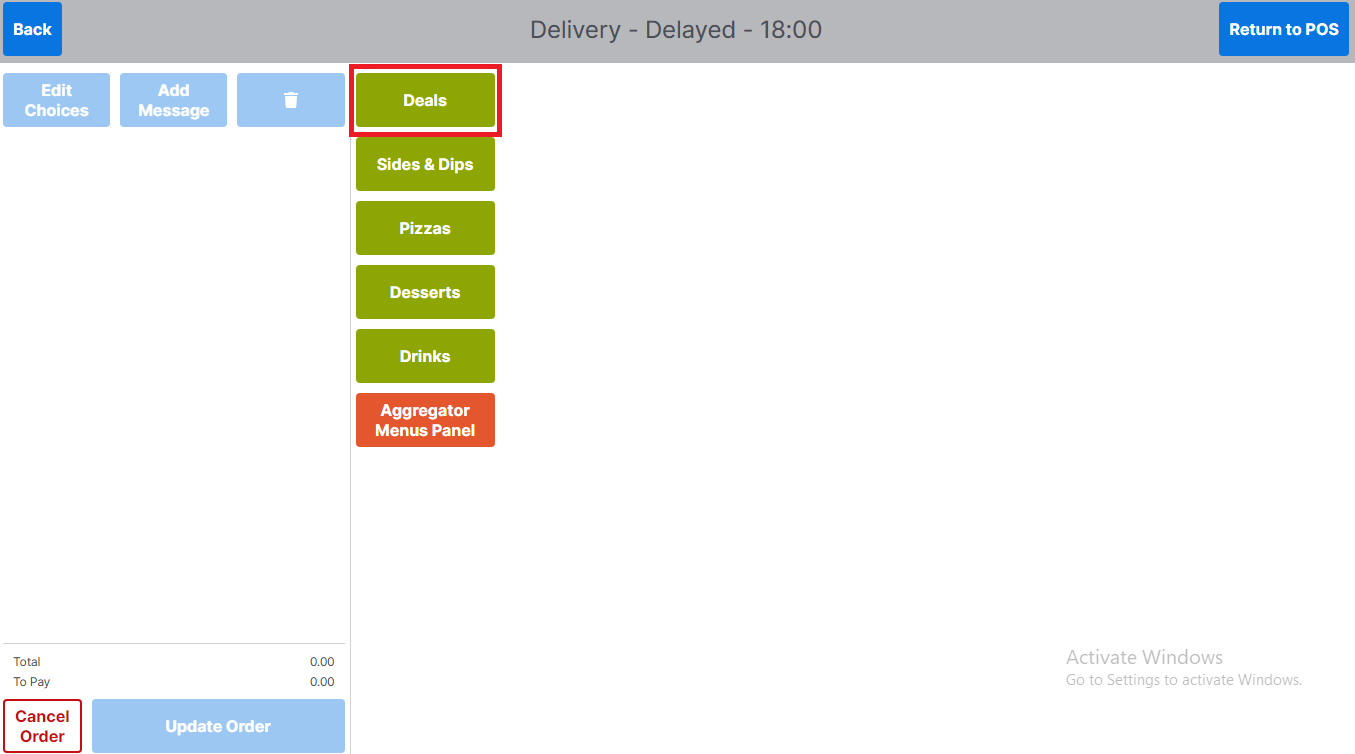
Select the Deals product group
-
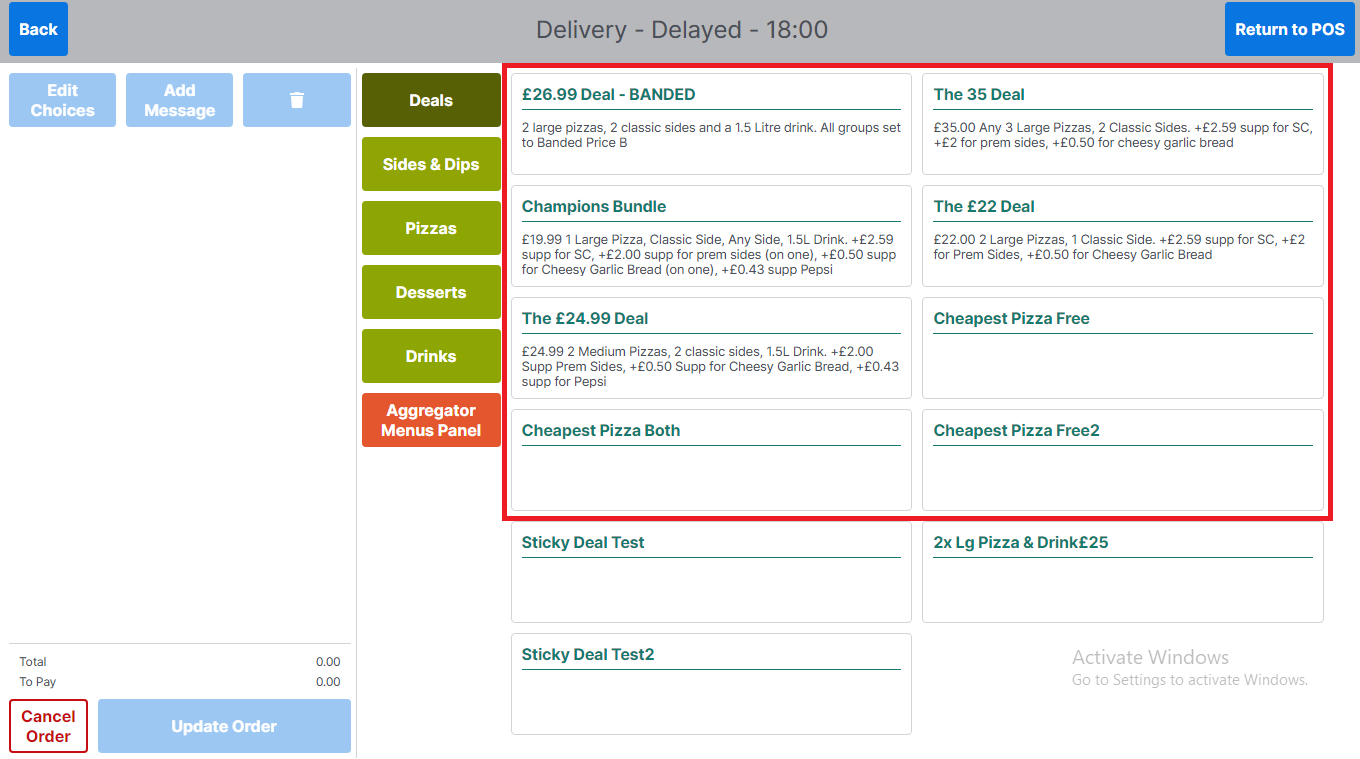
Select a deal from the list displayed
-
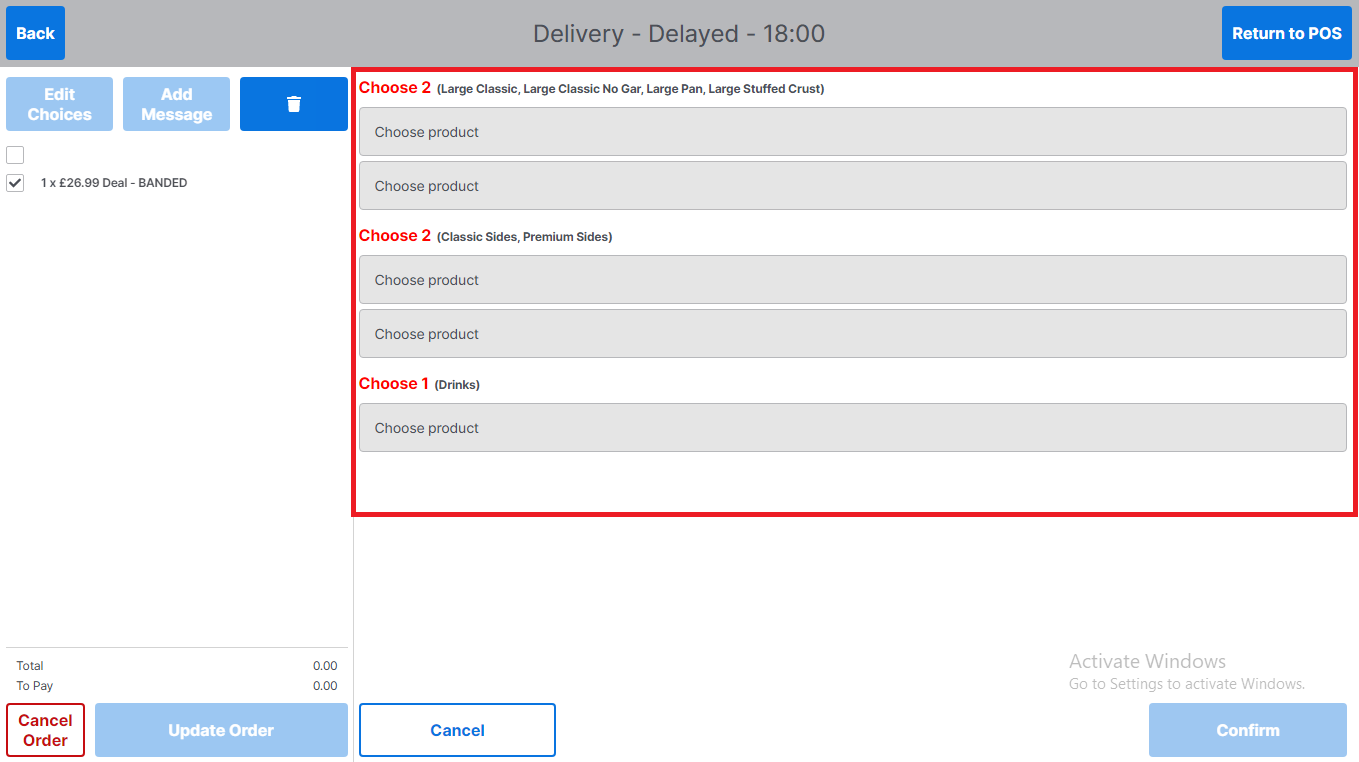
The operator will be presented with deal details screen, which contains multiple deal options to select, dependant on the type of deal selected. In the example below the deal consists of 2 pizzas, 2 sides and 1 drink
-
-
Select Choose product to continue product selection
-
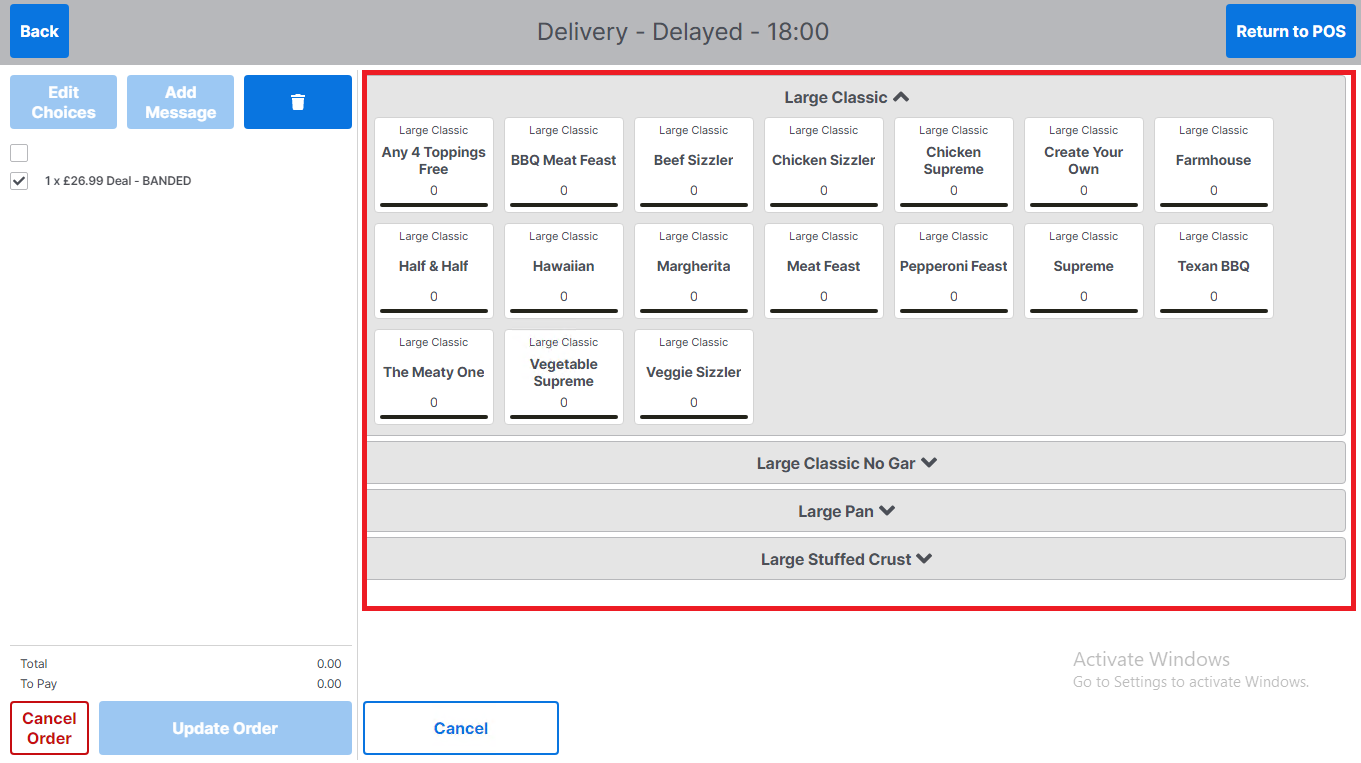
The user will be presented with the product selection screen applicable to the deal category the product is grouped in
-
For ease of navigation the product choices are collapsed. The chevrons indicate which section is expanded (down chevron indicate section is collapsed, the up chevron indicates the expanded (active) section)
-
Selecting a product type will expand that section allowing a user to select a product
-
-
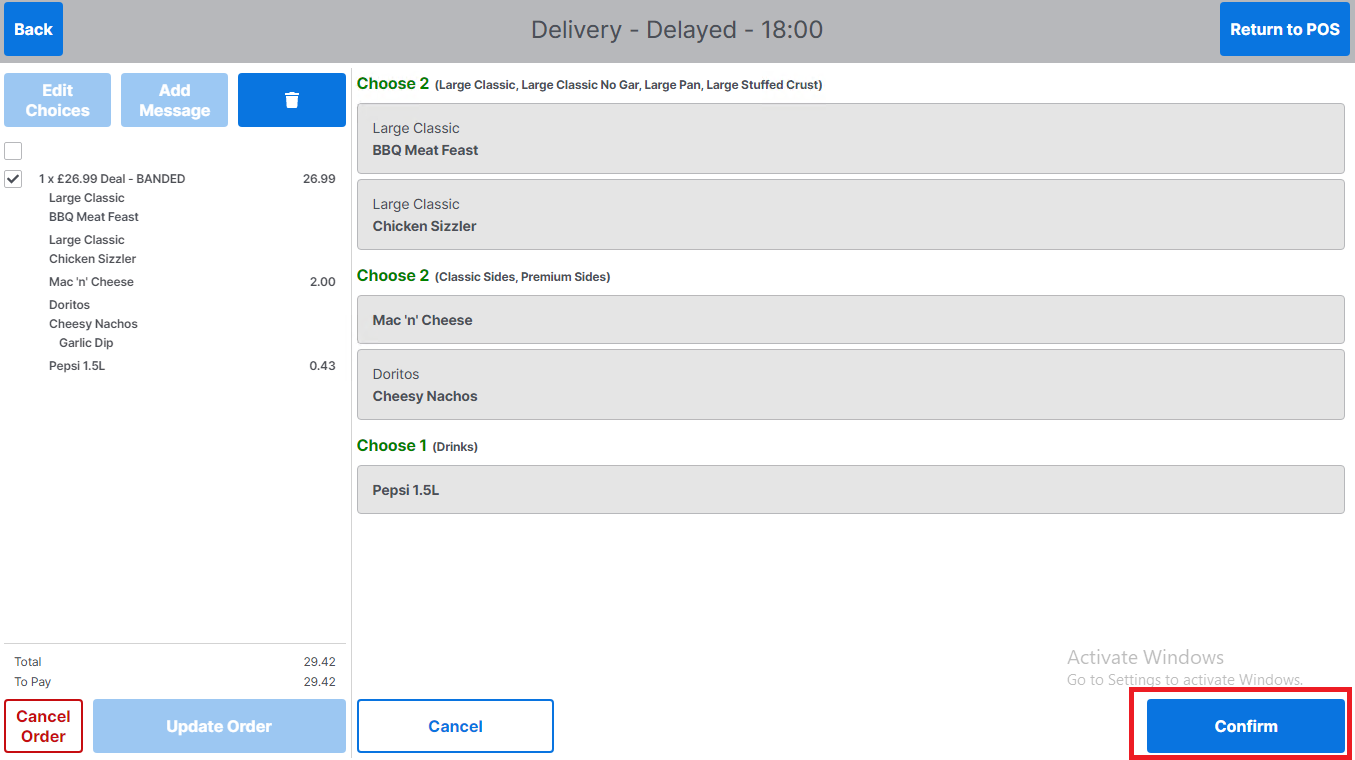
Once an operator completes product selection for a deal, the deal group screen will update to show the status of the deal.
-
The font will change from red to green for any deal groups that are complete
-
The products selected will be updated under the deal groups
-
The order panel will be updated to display the products selected
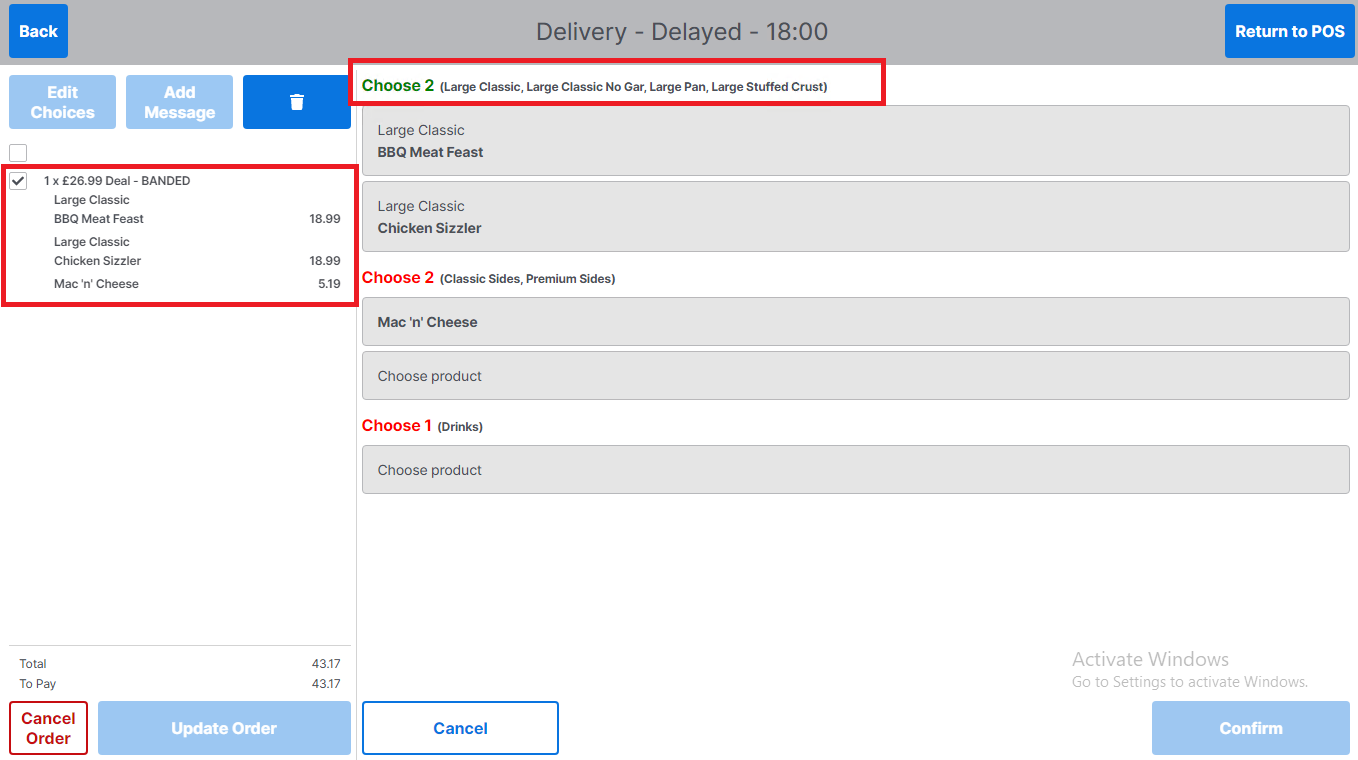
The basket total is not reflective of the deal price until all products in the deal have been selected
-
Once the deal is complete (all sections are green), the Confirm button will be enabled
-
-
-
Select Confirm to complete deal selection